Short Video Maker
Platform:
n8n
Difficulty:
Medium
Setup Time:
10-15 min
Workflow Type:
free
Required Services:
- n8n
- OpenAI
- Google Sheets
- Google Drive
- Cloudinary
- JSON2Video
- YouTube
Automate Your Full Short-Video Pipeline
Short Video Maker is an n8n workflow built to help you generate ideas, create AI-powered short-form videos, and publish them automatically through one connected system. It combines idea generation, content creation, asset production, video rendering, and YouTube publishing into a structured workflow that helps reduce manual work and keep your short-video process organized.
Screenshots
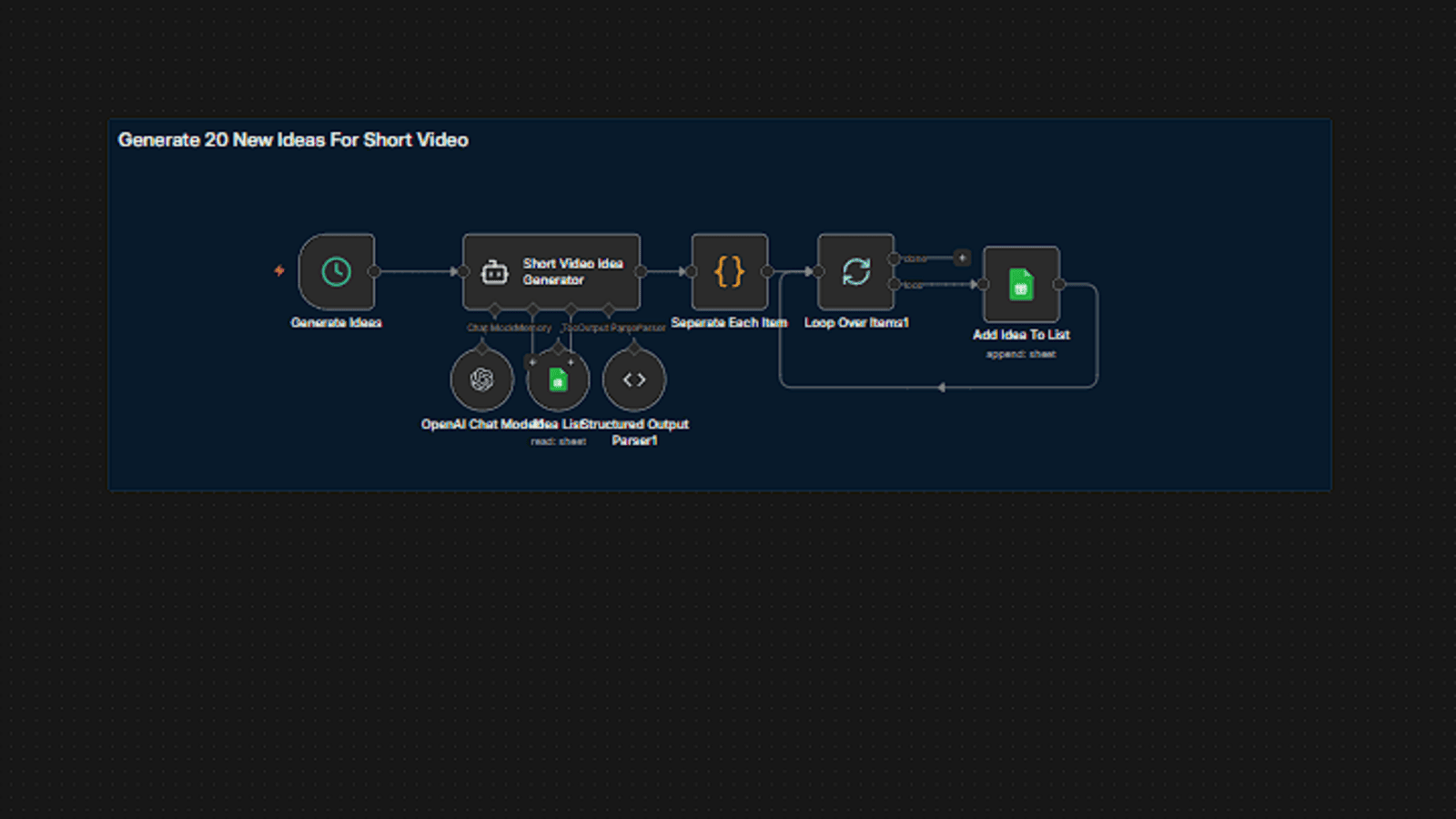
Automatic Idea Generation in Batches
The workflow generates 20 new short-video ideas at a time and saves them directly into your Google Sheets content pipeline.
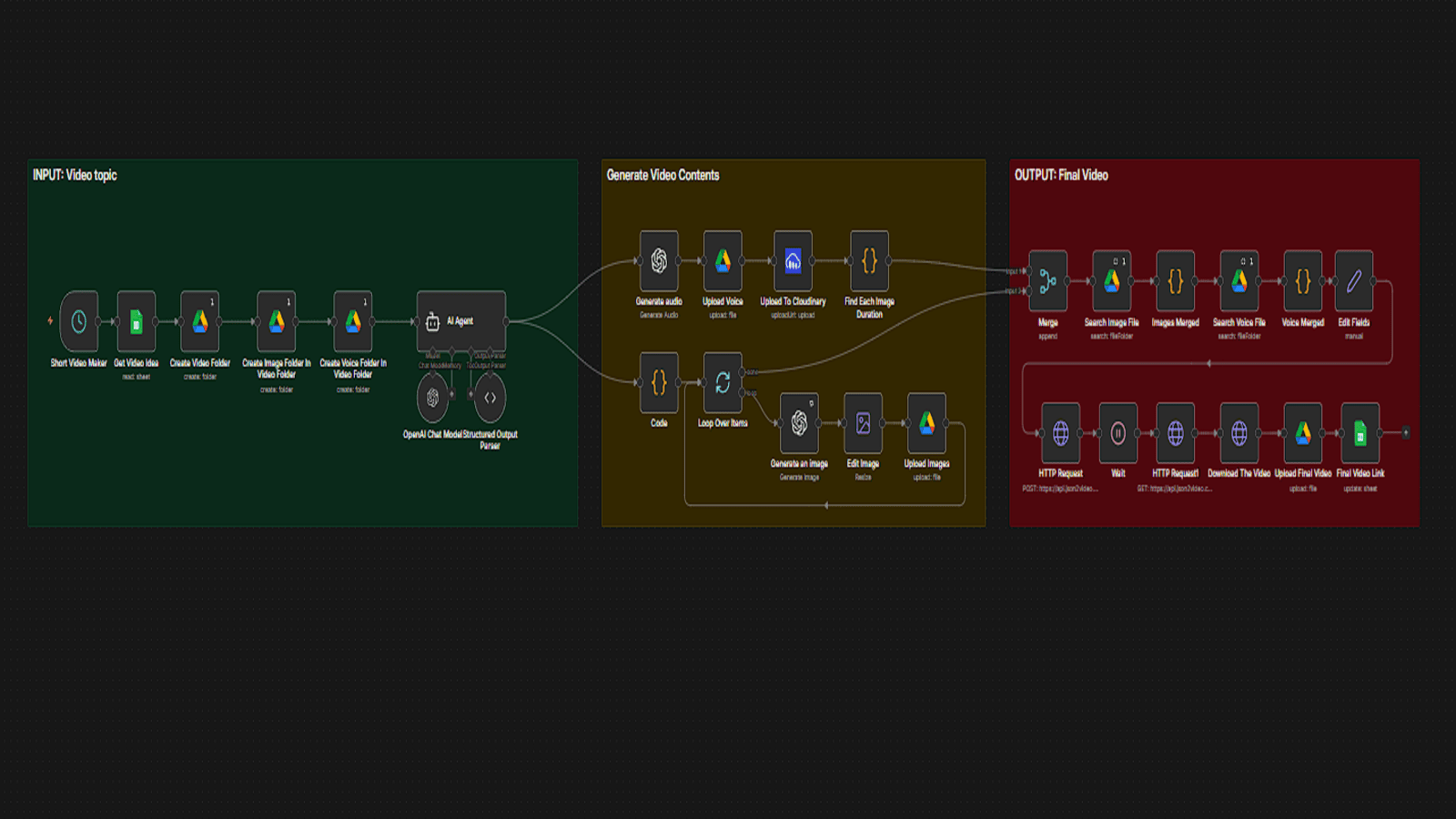
From One Idea to a Finished Short Video
This section handles the AI content generation, asset creation, rendering flow, and final video saving process.
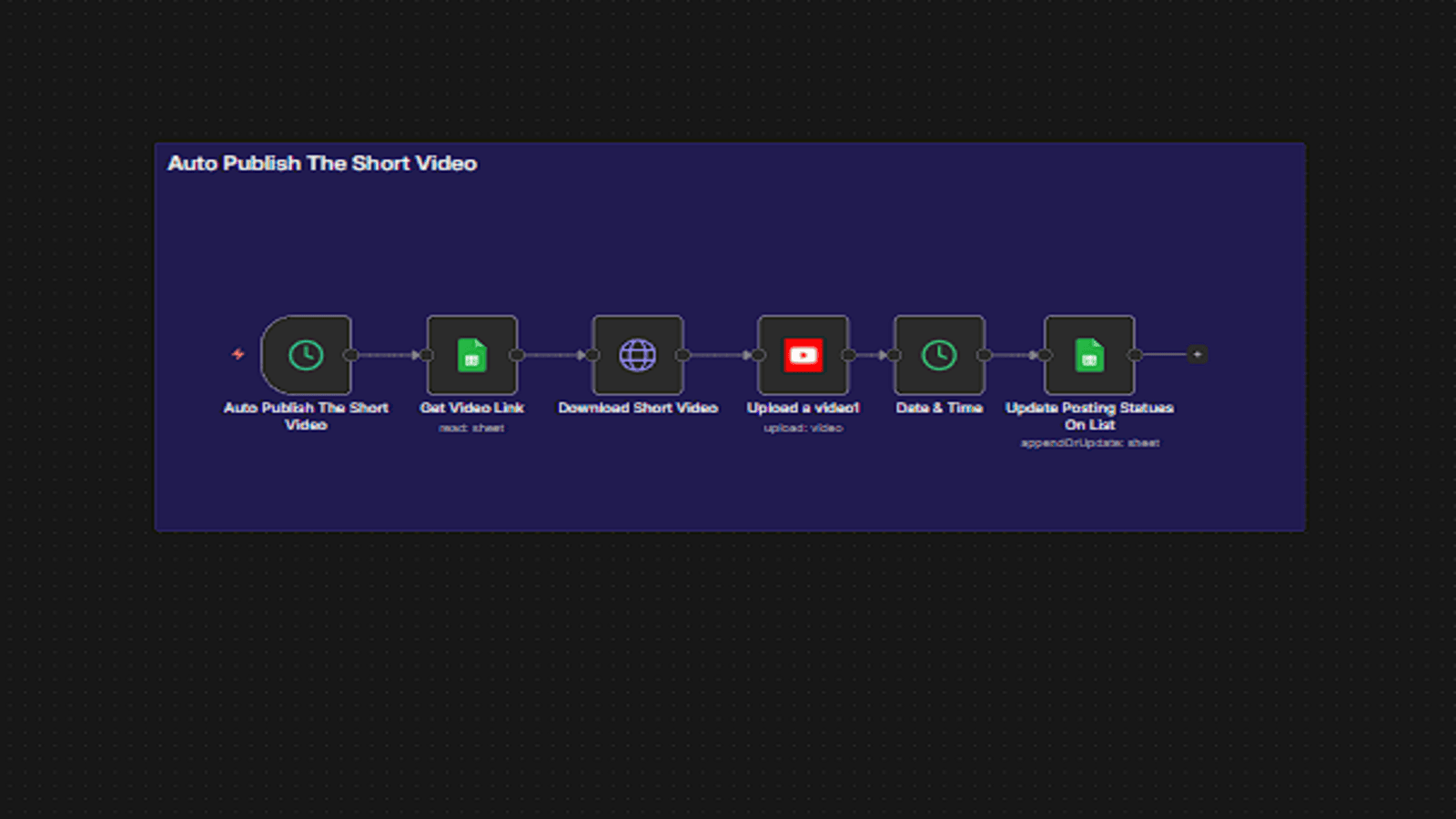
Automatic YouTube Publishing
Once a video is ready, the workflow uploads it to YouTube and updates the tracking sheet with publish status and date.

Overview
Automate the Full Short-Video Pipeline from Idea to Publishing
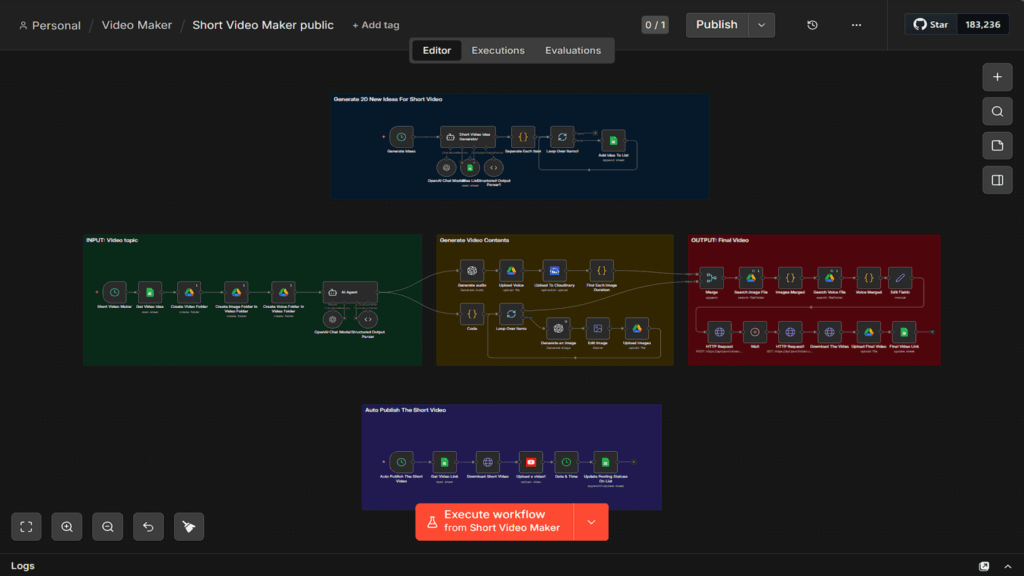
Short Video Maker is an n8n workflow designed for teams and creators who want a faster, more structured, and more repeatable way to produce short-form videos. It combines idea generation, AI-powered content creation, asset production, video rendering, and YouTube publishing into one connected workflow so users can manage the full process from a single automation system.
Short Video Maker uses a staged production flow that helps organize short-video creation into clear steps. It generates new ideas, stores them in a tracking sheet, turns selected ideas into complete short videos using AI-generated assets, and then publishes finished videos automatically based on workflow status and schedule logic.
Built for Content Systems That Need Structure and Scale
Short Video Maker is especially useful for creators, content brands, automation builders, and media teams that want to produce short videos more consistently without managing every step manually. Whether the goal is educational shorts, historical storytelling, niche content series, or automated publishing pipelines, the workflow helps reduce production friction and create a more scalable content process.
With Short Video Maker, users can:
- Generate new short-video ideas automatically in batches
- Store and organize ideas in a structured Google Sheets workflow tracker
- Create titles, captions, narration scripts, and image prompts with AI
- Generate narration audio and visual assets for each video automatically
- Render final short videos using a connected JSON2Video template
- Publish completed videos to YouTube and update publishing status automatically
Designed Around a Clear Production Workflow
The workflow is built around three practical stages: idea generation, video creation, and publishing. This makes it easier to manage short-form content as an organized pipeline instead of a collection of disconnected manual tasks. By using Google Sheets as the central tracking layer and Google Drive as the asset storage layer, the workflow keeps every content item connected to its production and publishing state.
Less Manual Work, More Repeatable Output
Short Video Maker helps users move faster by automating the most repetitive parts of short-video production. Instead of manually creating ideas, writing content, generating assets, rendering videos, and uploading them one by one, users can run a workflow that handles those steps in sequence. The result is a more efficient short-video pipeline, more consistent output, and a workflow that can be adapted to different niches over time.
Setup Instructions
Quick Setup
- Download the workflow package from our website and extract the folder on your device.
- Open the package folder and locate the three included files: the workflow JSON, the Google Sheet template, and the JSON2Video template JSON.
- Import the workflow JSON into n8n so the workflow appears in your workspace.
- Connect your required accounts inside n8n, including OpenAI, Google Sheets, Google Drive, Cloudinary, JSON2Video, and YouTube.
- Create one parent folder in Google Drive where all generated video project folders will be stored.
- Import the spreadsheet template into Google Sheets, or rebuild it manually using the same structure shown in the documentation.
- Upload the JSON2Video template JSON into your own JSON2Video account by following the setup method explained in the documentation below.
- Copy your JSON2Video template ID after import and place it into the workflow where required.
- Replace all needed IDs, references, and credentials so the workflow points to your own accounts, folders, sheet, and template.
- Test the workflow in order: first idea generation, then video creation, then publishing.
- Activate the workflow only after all sections run correctly.
The full step-by-step setup process is explained in the documentation below.
